First run
What 8gent asks the first time you open it, what it checks by itself, and what it saves.
Needs a current release
This is the first run in current releases. Run 8gent update if yours looks different. See Install.
The splash
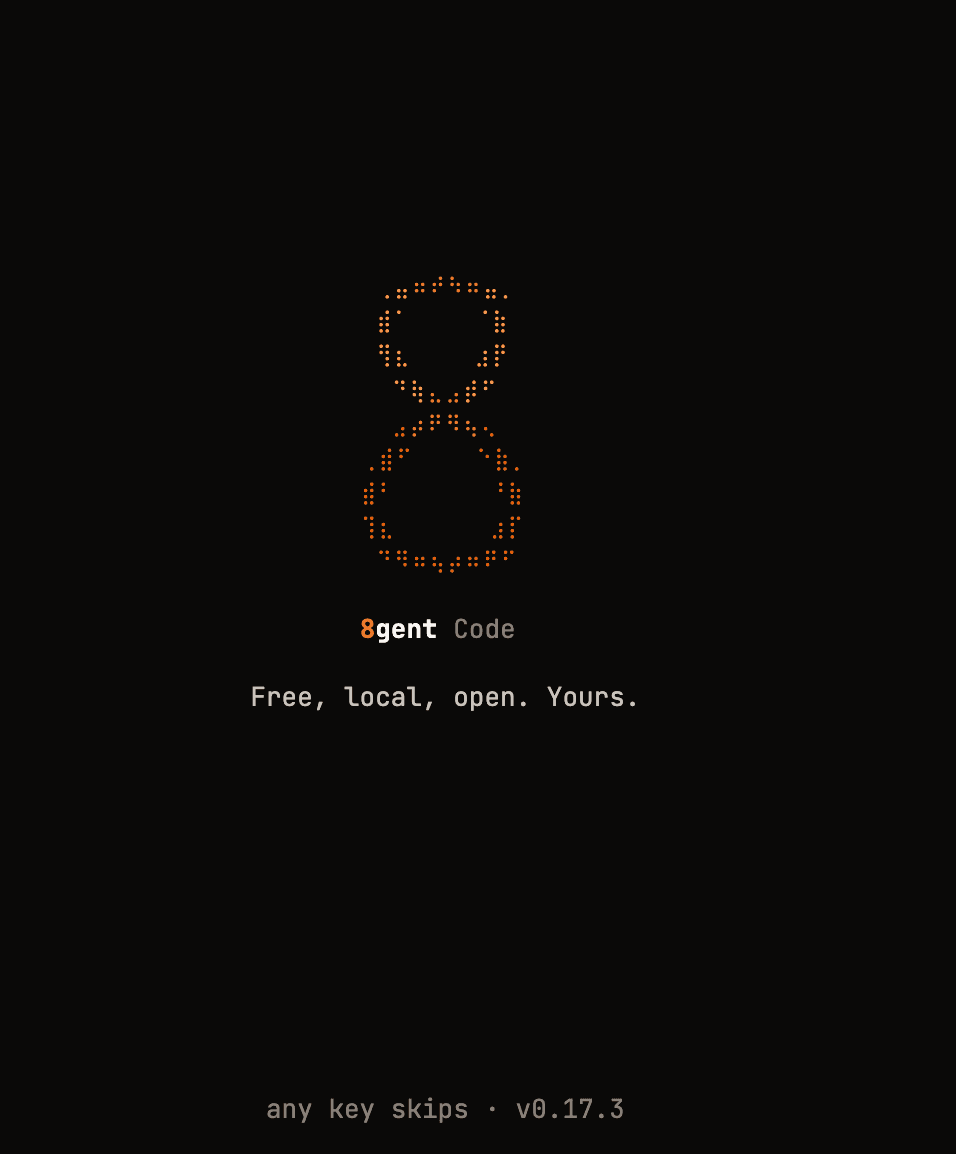
Dots start on a ring, fly in and land as a braille 8, pulse once, then a slow colour wave runs down the stroke. About 1.5 seconds. It shows on the first run and once after each update, never on an ordinary launch. Any key skips it; a letter you type lands in the input box.
On a Mac a short launch tune plays at low volume while the splash shows, and fades out when ffplay is installed. /quiet stops it at once.
There is no splash when motion is reduced, when the terminal is too small or cannot draw braille, or with 8GENT_NO_INTRO=1.
Setup, in the chat
Setup happens in the chat. 8gent asks, you answer in the input box. Enter on its own always takes the default, so pressing Enter through the whole thing is fine.
| Step | Question | Enter gives you |
|---|---|---|
| 1 | "Good day. I'm 8gent." plus what it found on this machine | Begin |
| 2 | What should I call you? | Your git name, if one was found |
| 3 | What best describes you? Engineer, Designer, Founder, Hobbyist, Other | Engineer |
| 4 | What are you working on? One short line | Skip |
| 5 | How should I communicate with you? Five styles | Dry-witted, sarcastic, seriously motivational |
| - | Local engine checks: Ollama (or llama-server), LM Studio, Apple Foundation. One line each, nothing to answer | - |
| 6-8 | Name your Orchestrator, Engineer and QA agents | Orchestrator, Engineer, QA |
| 9 | What should your 8gent be called? | Eight |
| 10 | Voice: your computer's own natural voice, or also a small local voice model (about 200 MB, opt-in) | Natural system voice |
| 11 | Pick a voice: 14 choices | Natural system voice |
| 12 | A recap of your answers. Ready to begin? | Yes, let's go |
Then the workspace opens in Ask mode, on the first local model it found. The agent names become the tab titles. Your name, role and style are given to every agent at the start of each session.
What it checks by itself
While the welcome is on screen, each check capped at a few seconds, 8gent reads:
- your git name and your GitHub sign-in (
gh), if present - the models in your local Ollama, or llama-server when
EIGHT_LOCAL_SERVER=llama-server - whether LM Studio and the Apple Foundation bridge answer
- whether Python and the optional local voice are installed
It only talks to engines on this machine, or the addresses you set (OLLAMA_HOST, LM_STUDIO_HOST, APFEL_BASE_URL, LLAMA_SERVER_URL). An engine check is "does it answer". It does not load a model.
Skipping setup
| Do this | What happens |
|---|---|
/skip | Skips this question |
/skip all or Esc | Ends setup now. It will not ask again |
8gent --yes or 8gent -y | Starts with no setup at all |
What it saves
Everything stays in ~/.8gent/ on your machine.
| Path | What is in it |
|---|---|
~/.8gent/user.json | Your profile and answers, what was detected, and onboardingComplete, the flag that stops setup showing again |
~/.8gent/settings.json | App settings: voice, performance, per-tab models, agent names |
~/.8gent/intro-seen | The version that last showed the splash |
~/.8gent/sounds/launch.mp3 | The launch tune. Replace it to change the sound |
~/.8gent/memory/, sessions/, tabs/ | Memory, chat history and tab state |
Change it later
| Command | What it does |
|---|---|
/onboarding | Runs setup again from the start |
/preferences | Shows your saved profile |
/settings | Opens the Settings tab: voice, performance, providers, models |
/voice on, /voice off | Speaking replies aloud on or off |
/provider, /model | Pick a different engine or model |
To start completely fresh, quit 8gent and delete ~/.8gent/user.json. Delete ~/.8gent/intro-seen as well to see the splash again.
Next: Your first task.